Step-by-step instructions to show you how to download ebooks from BookFunnel onto the device of your choice.
Are you familiar with BookFunnel? It is a service used by many authors to deliver ebooks and audiobooks to readers. You may have encountered if when you joined an author’s email list and received a story.
More recently, many authors are using it to deliver ebooks and audiobooks when they sell direct.
BookFunnel is not hard to use, but it involves a few more steps than clicking on a Buy button. I want to encourage you to give it a try. Buying books directly from an author allows them to make more from each sale, letting you support your favorite authors without having to spend more.
Directly below is the video showing you the steps. Scroll down if you want the written steps.

How To Use BookFunnel
You will receive an email from BookFunnel that contains the link to the book, or you will get the link from the author.
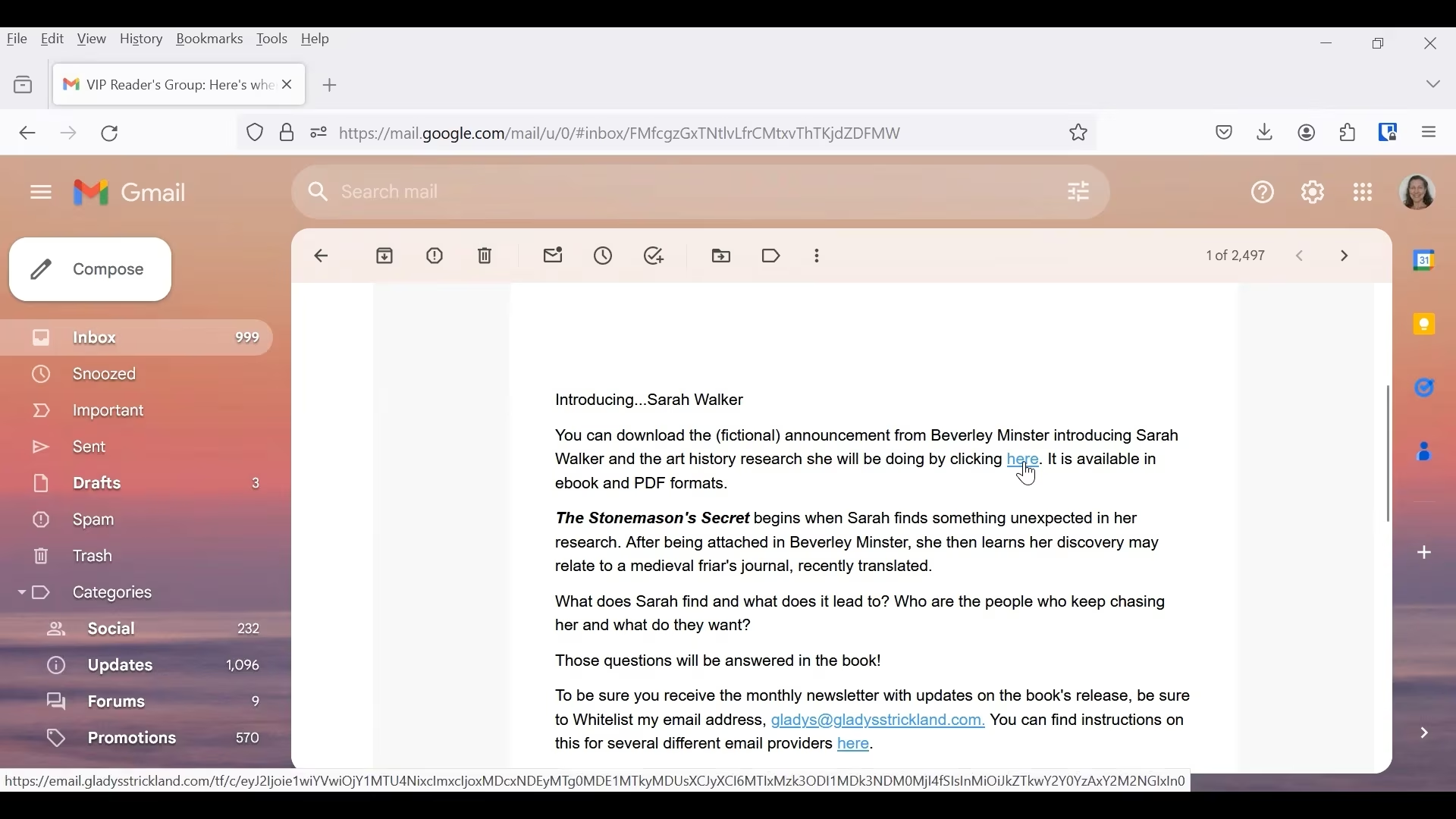
Click on the link.
That takes you to the page where you can download your book.
Choose How Your Want To Read Your BookFunnel Download
There are a variety of ways to read your book.
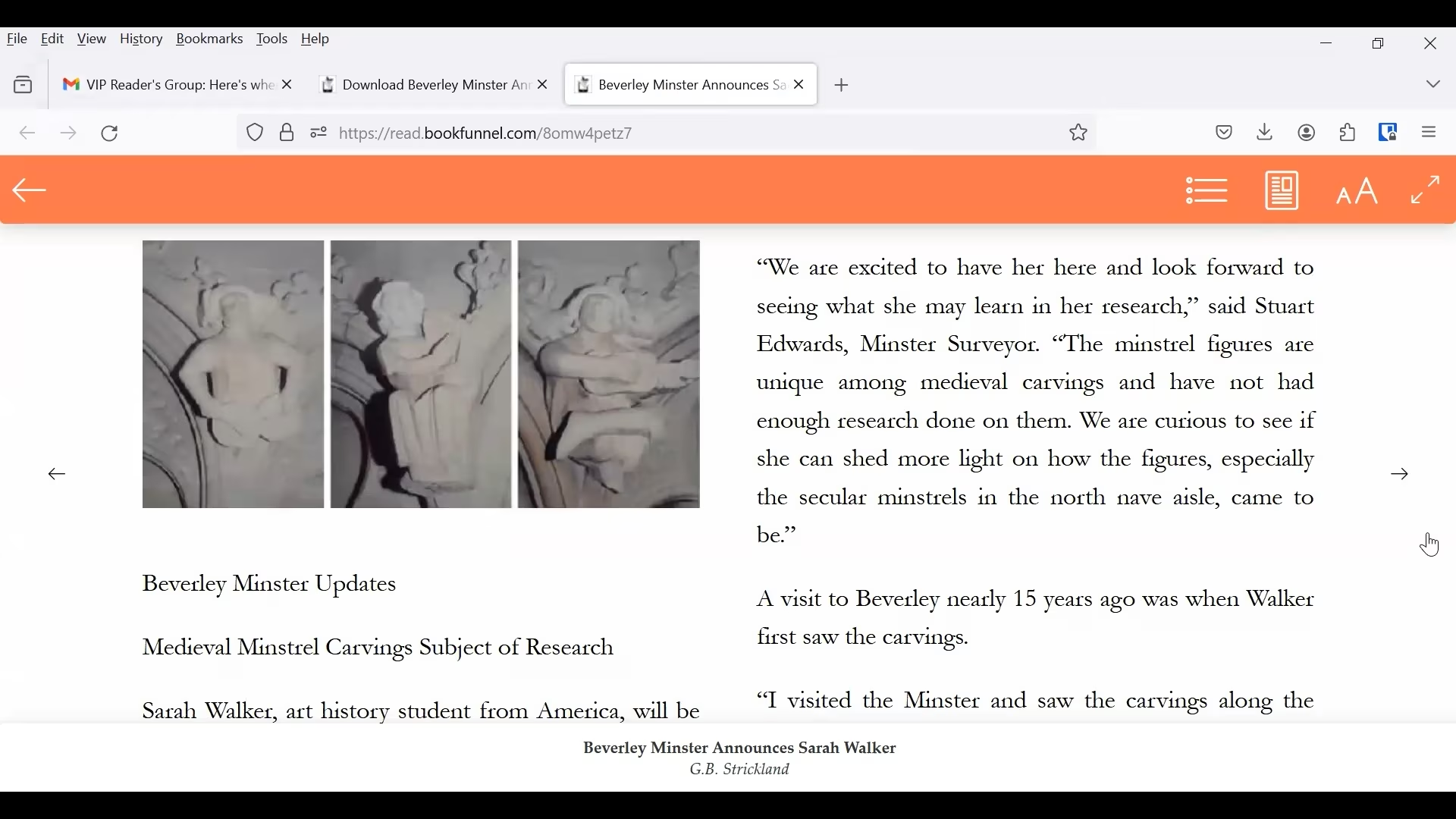
- You can read it in your browser.
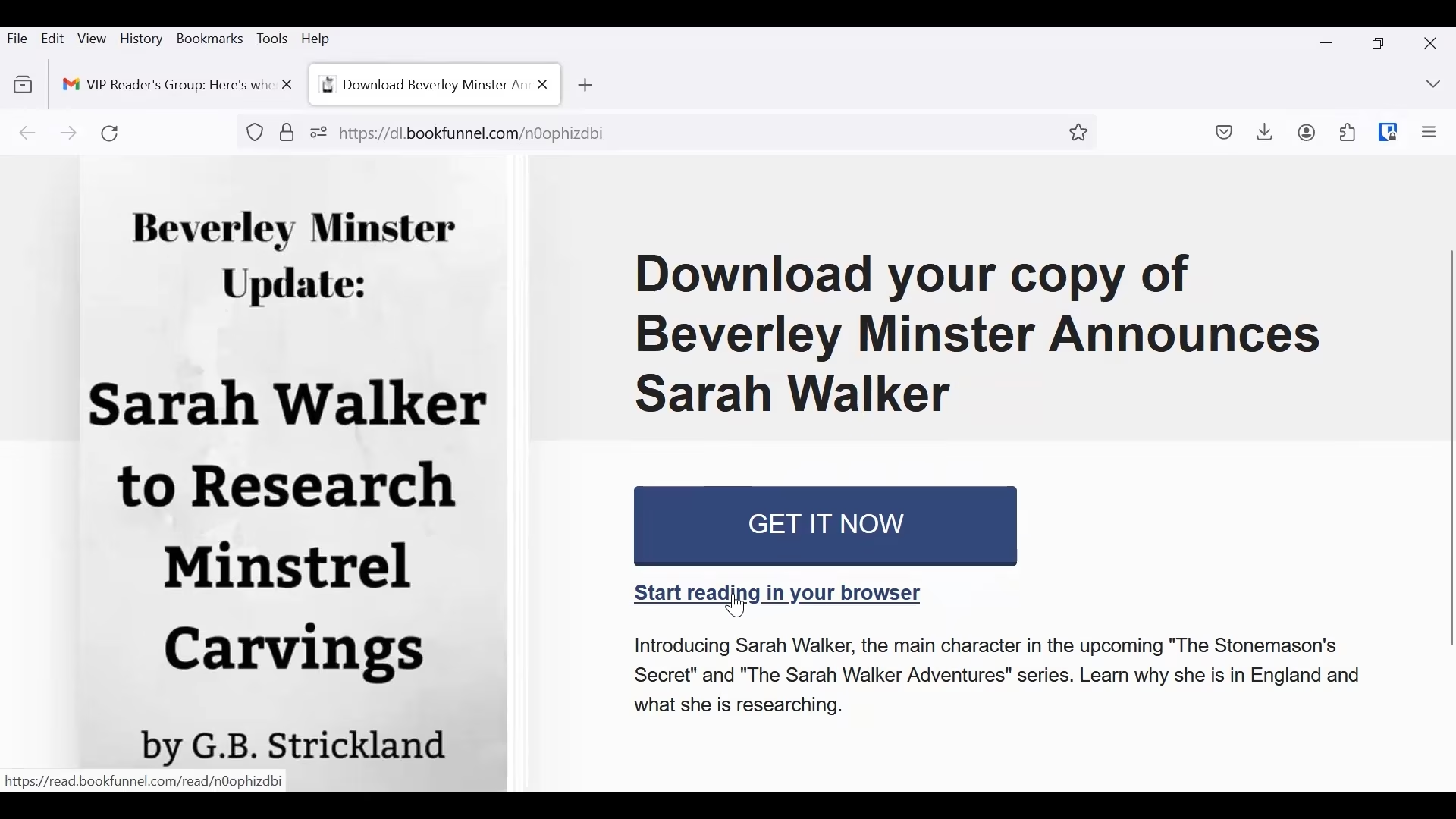
If this is what your prefer, click on that link, and your browser will open a new window or tab for you to read it.
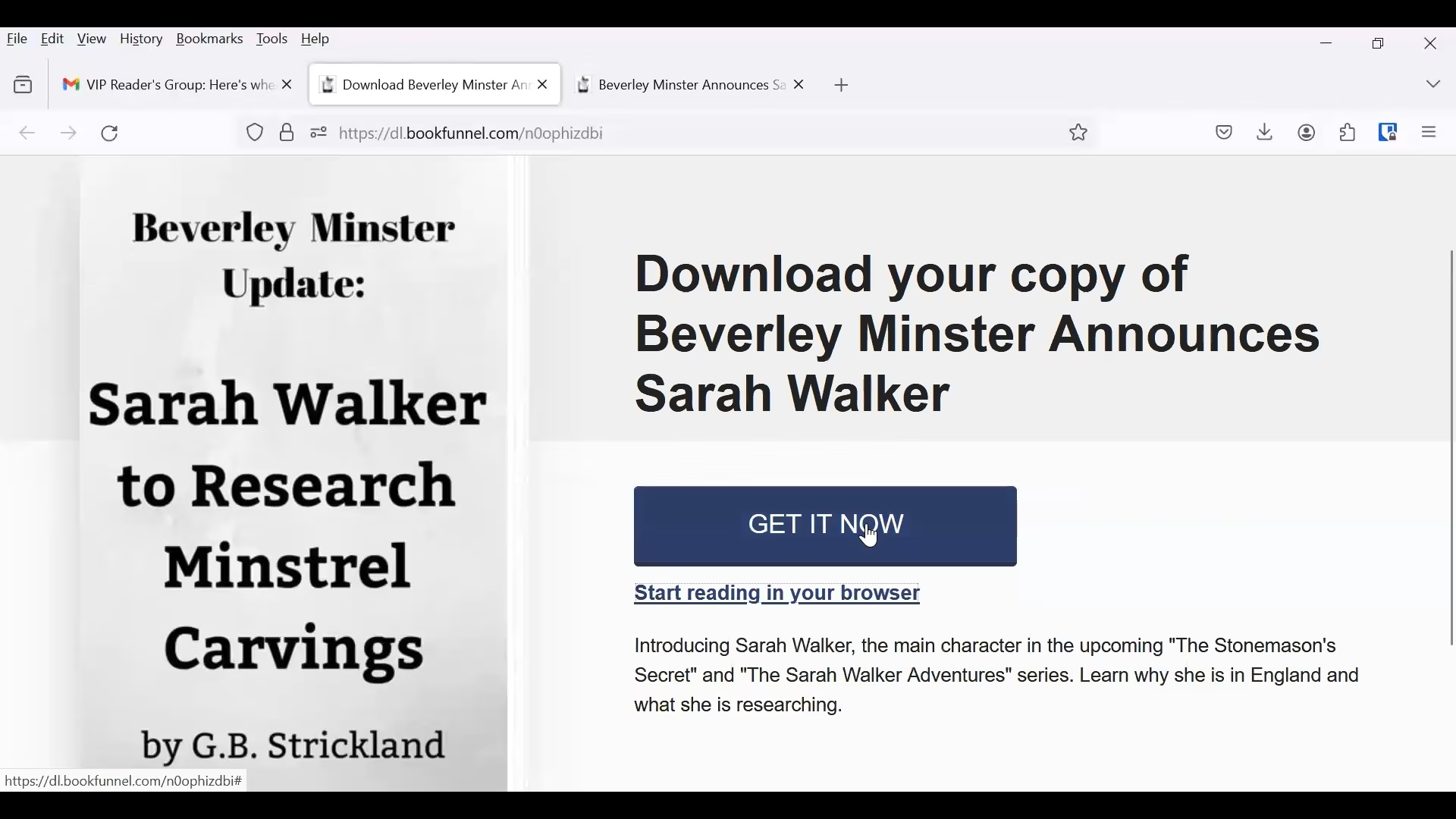
2. If you prefer to read it on a device (such as Kindle or Kobo) or in an app (such as BookFunnel or Google Play Books), click on the big blue button. The text in the button may differ depending on what the author chooses to put there, but it should be something along the lines of Get Your Book.
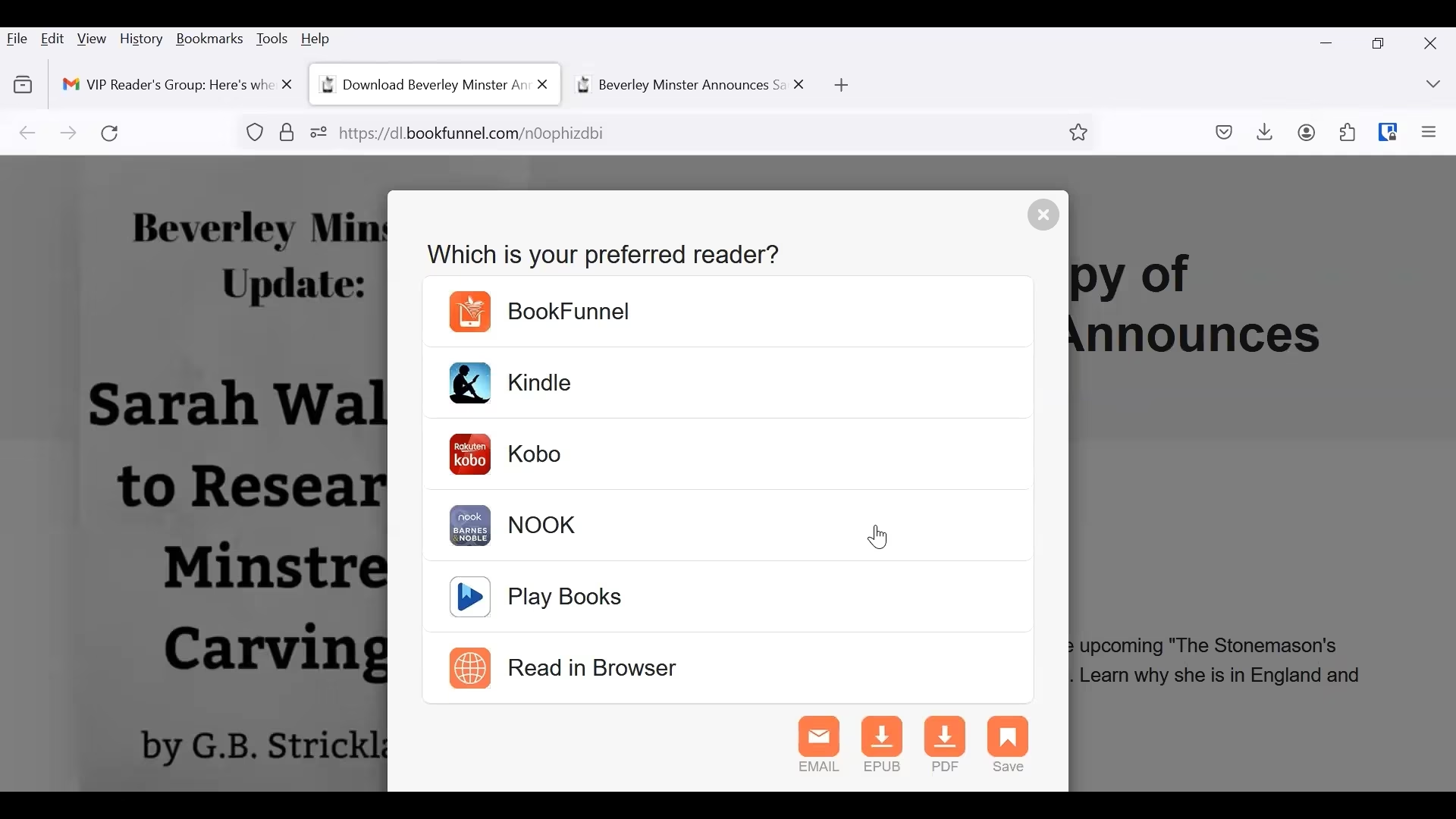
A popup window opens. Here you will need to choose the device you want to read on.
Download from BookFunnel to Kindle
To read on your Kindle, click on the Kindle link.
NOTE: the file will NOT be downloaded directly to your Kindle. There are a few steps you have to take.
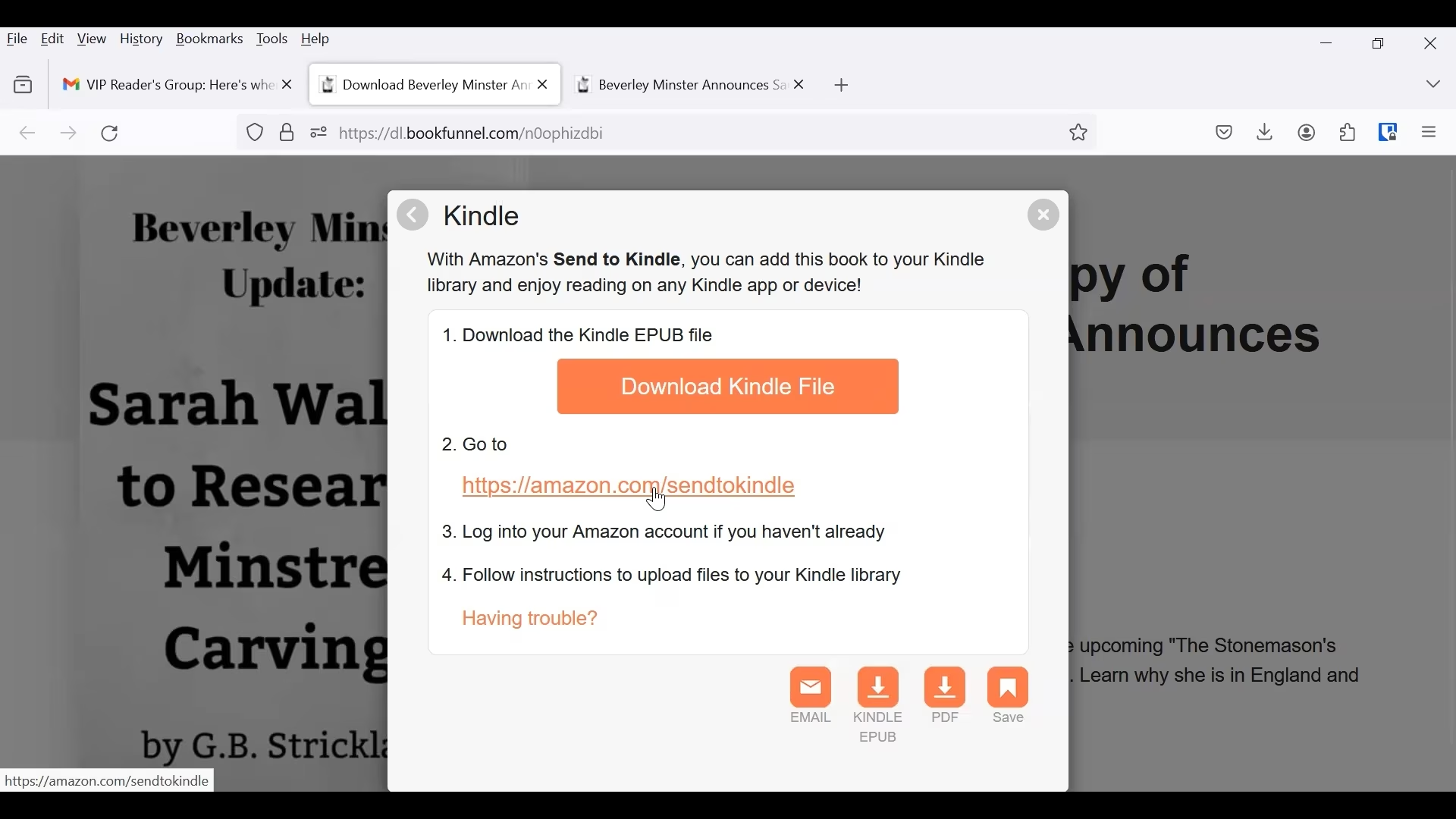
Click on Download Kindle File. Be sure to save it in a location where you can find it.
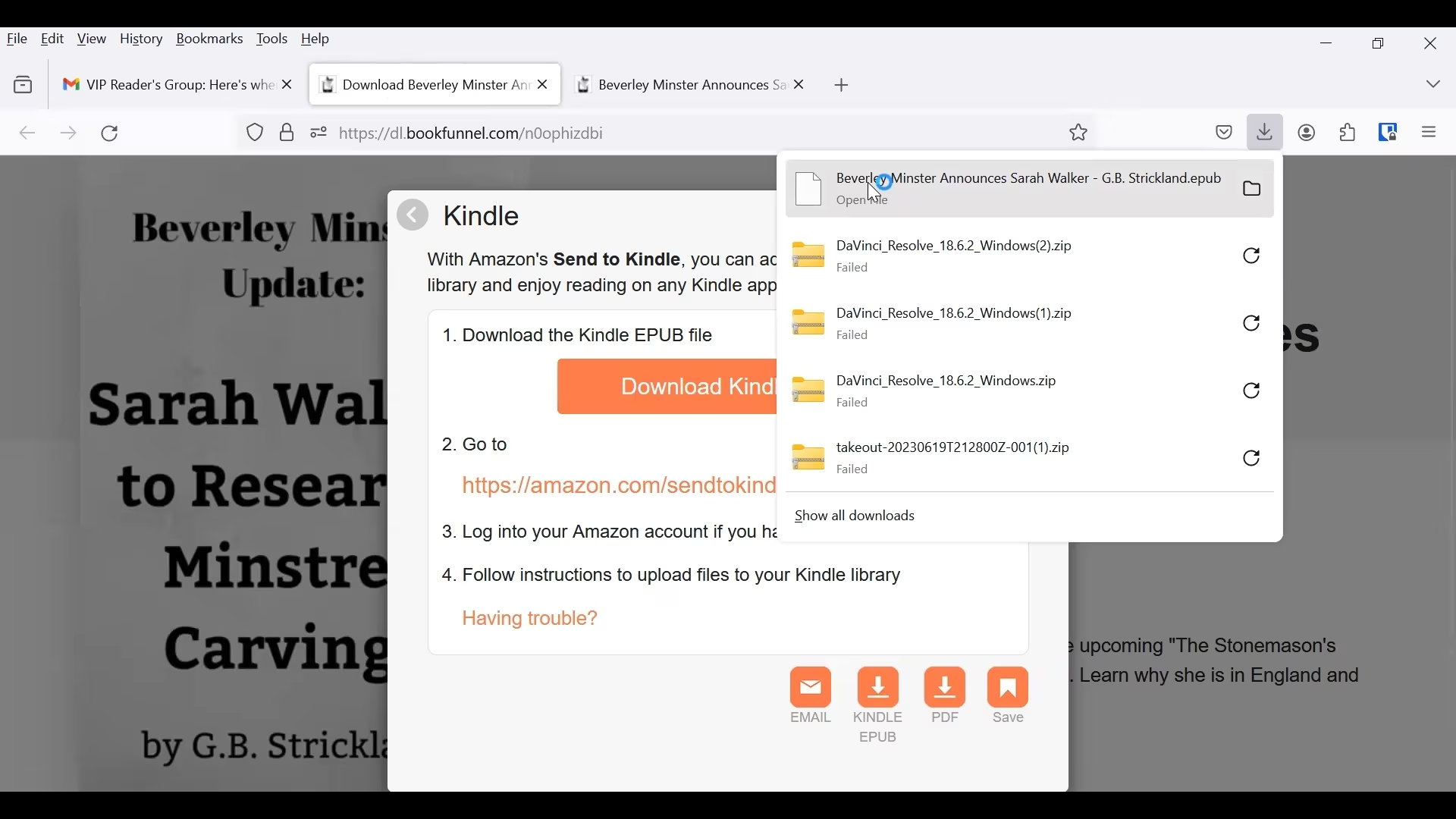
Next, click on the Send to Kindle link.
This will open a tab in Amazon. BE SURE YOU ARE LOGGED INTO YOUR AMAZON ACCOUNT.
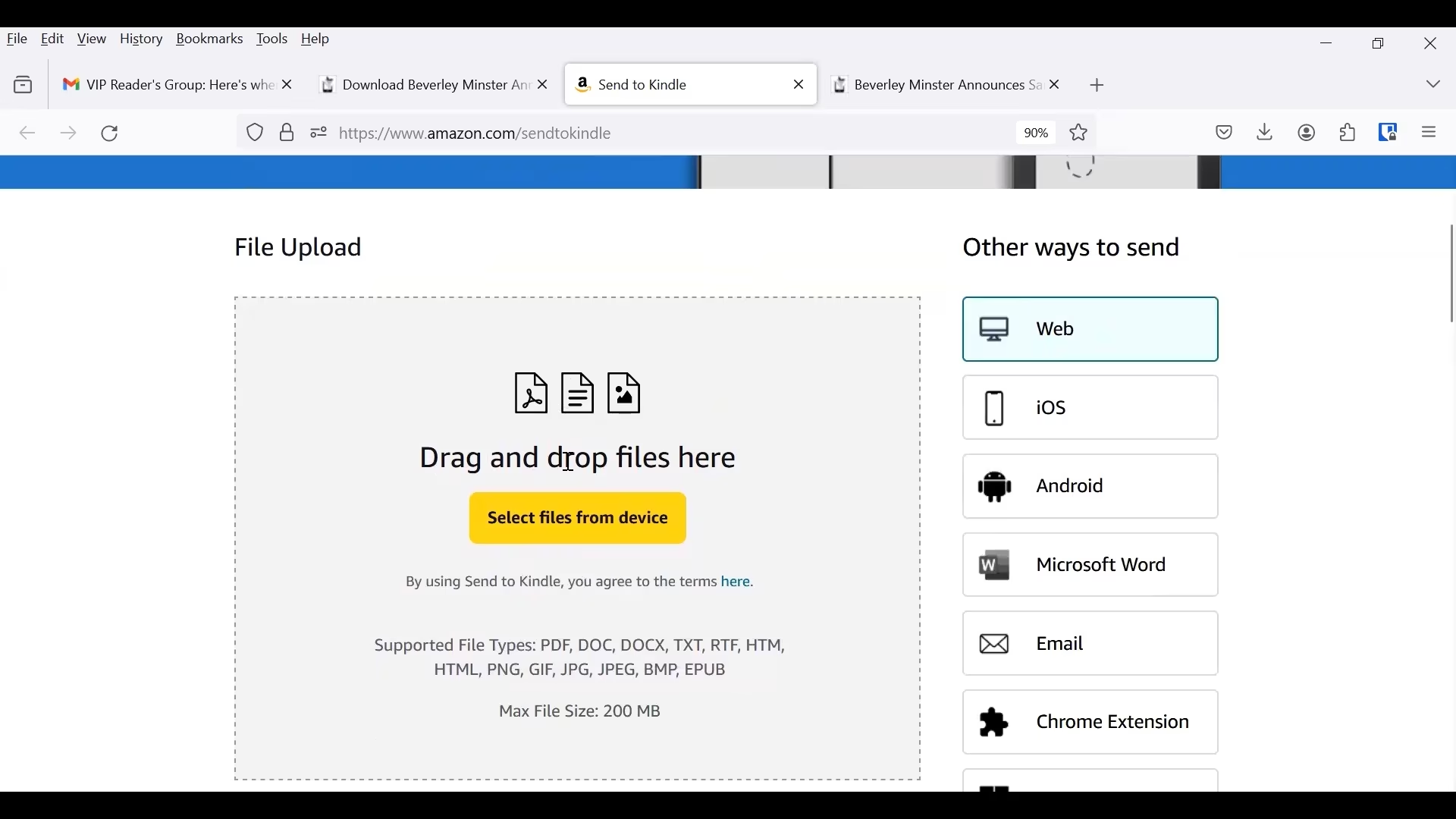
You can drag and drop the book file in the large gray square, or click the Select files from device button to upload.
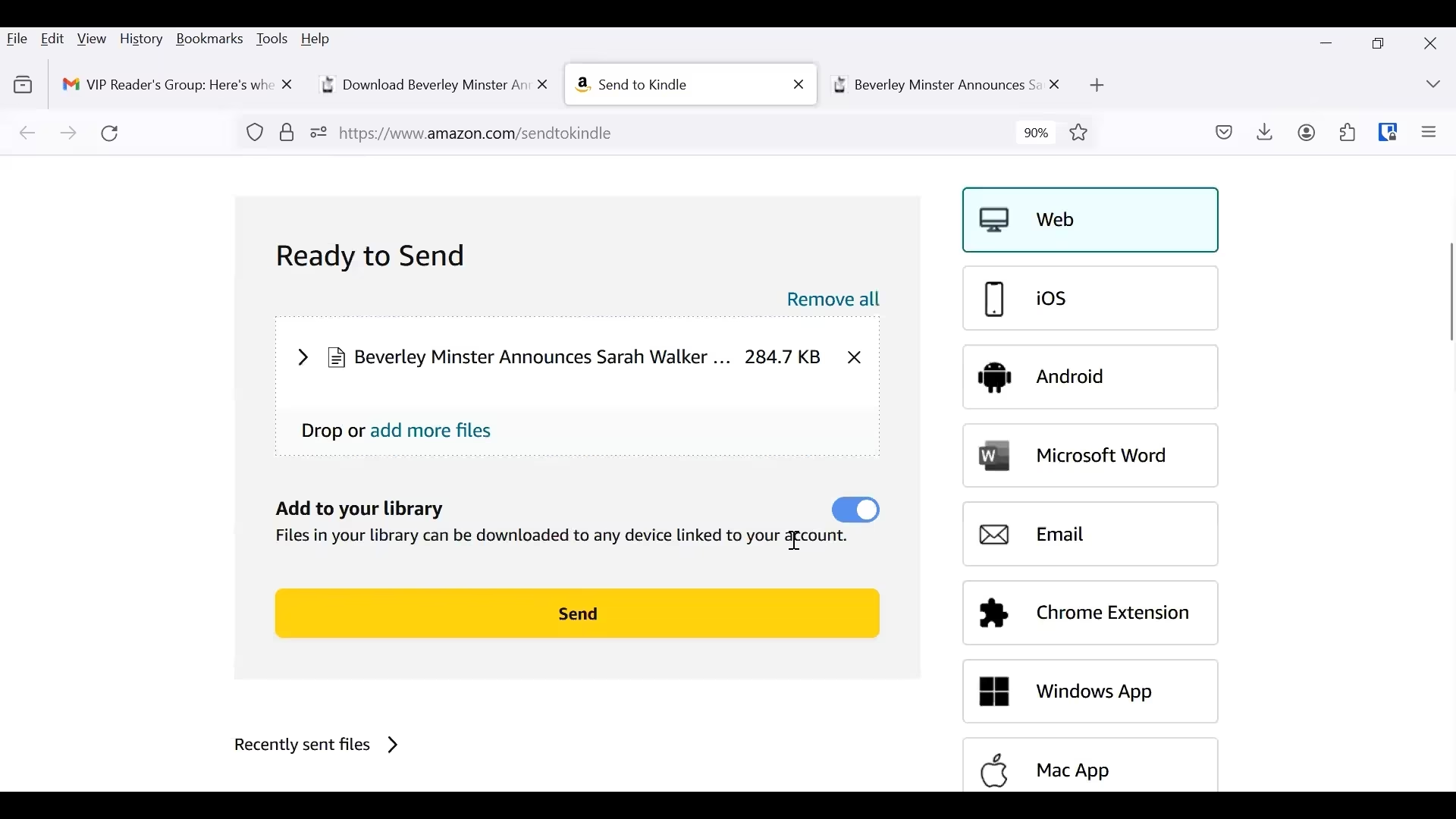
You can add more than one file if you want. When ready, click the Send button.
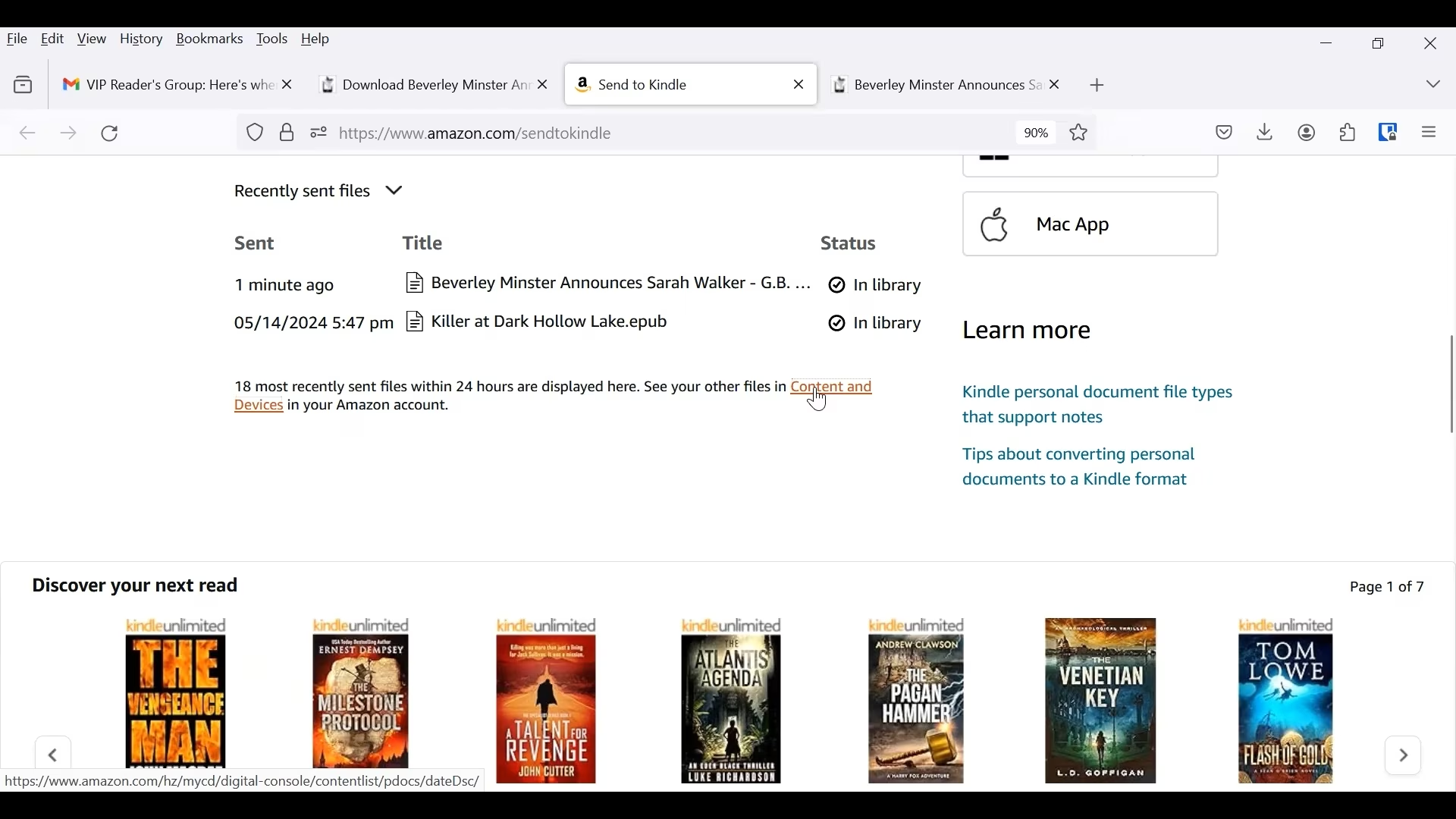
Scroll down to see recently sent files. It will show the files recently uploaded. Under status, it will say processing until it is complete, then it will say In library.
NOTE – It may take several minutes to process.
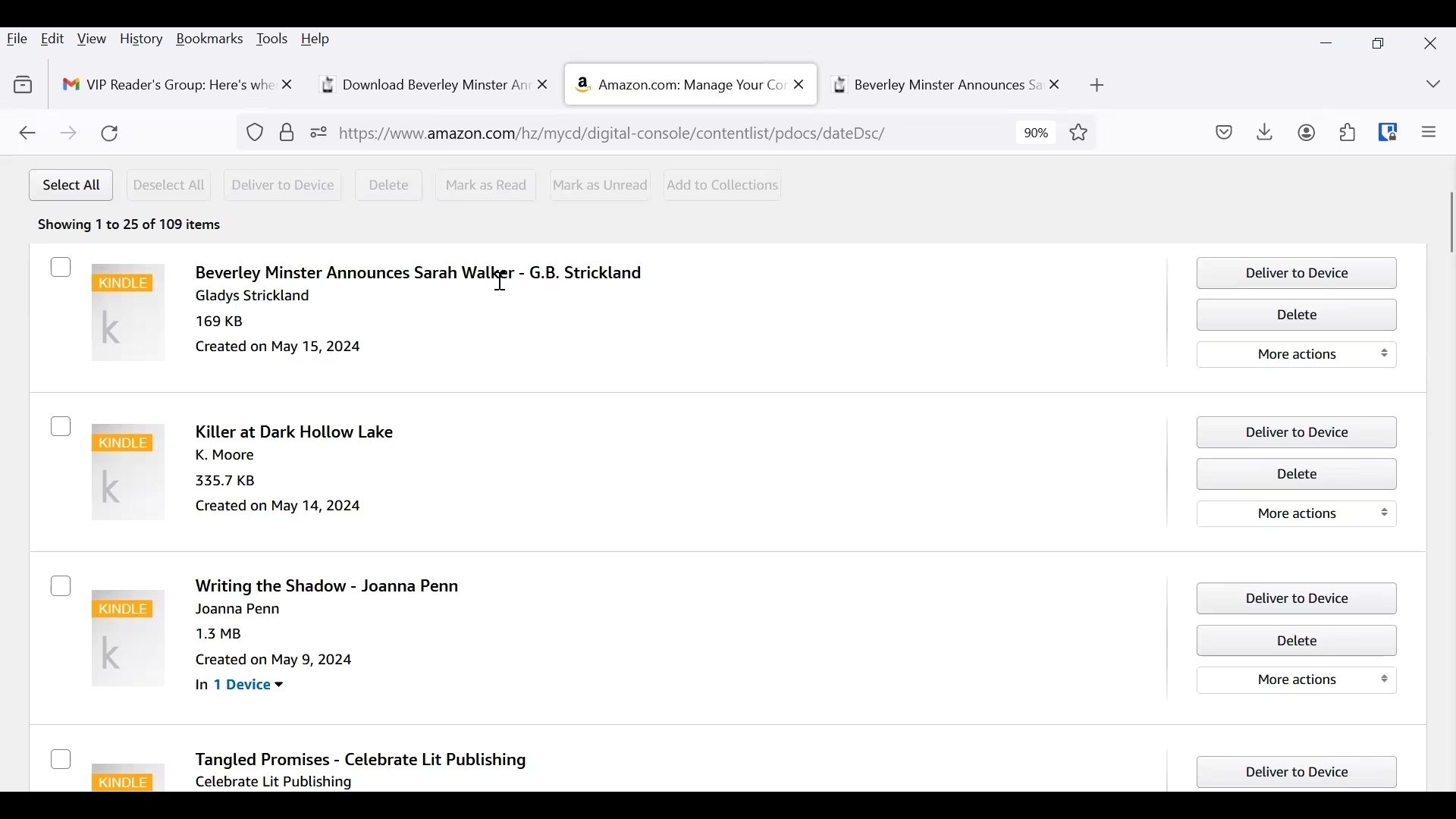
Once the status changes to In library, click on the Content and Devices link below you uploaded files.
You most recent upload will be at the top. Click on Deliver to Device. This will send the file to the device you have pre-selected in Kindle for downloads to go to.
Go to you device. Be sure it is connected to the internet. Your book will download, then you can begin to read!
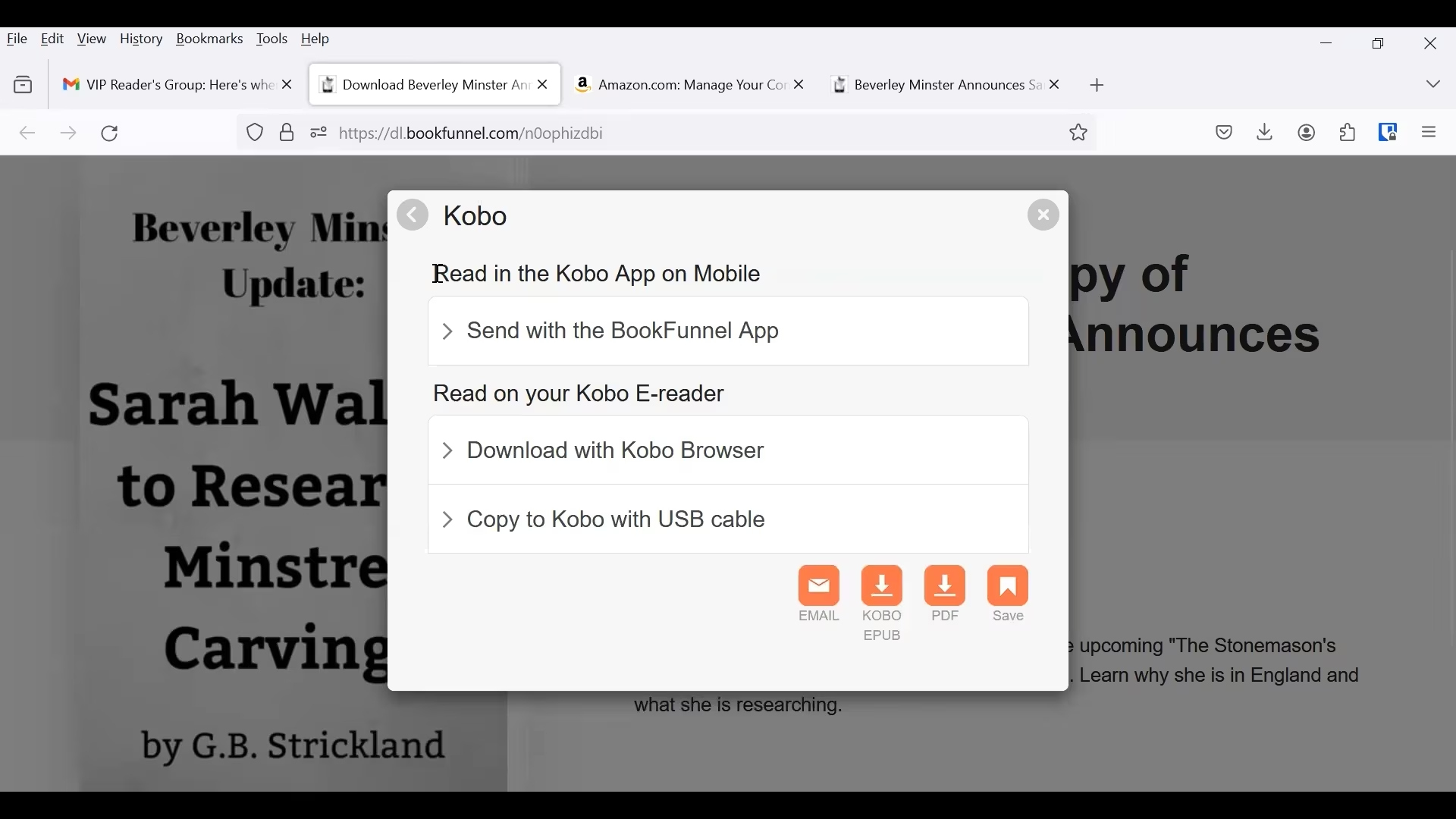
Download from BookFunnel to Kobo
Select Kobo from the window asking you to select your preferred reader.
On the popup screen, you have three options:
- You can read it in the Kobo App on mobile
- You can Download it to your Kobo E-reader with the Kobo Browser
- Or you can copy it to your Kobo with a USB cable.
Select the option you want and follow the instructions.
Download from BookFunnel to Google Play Books
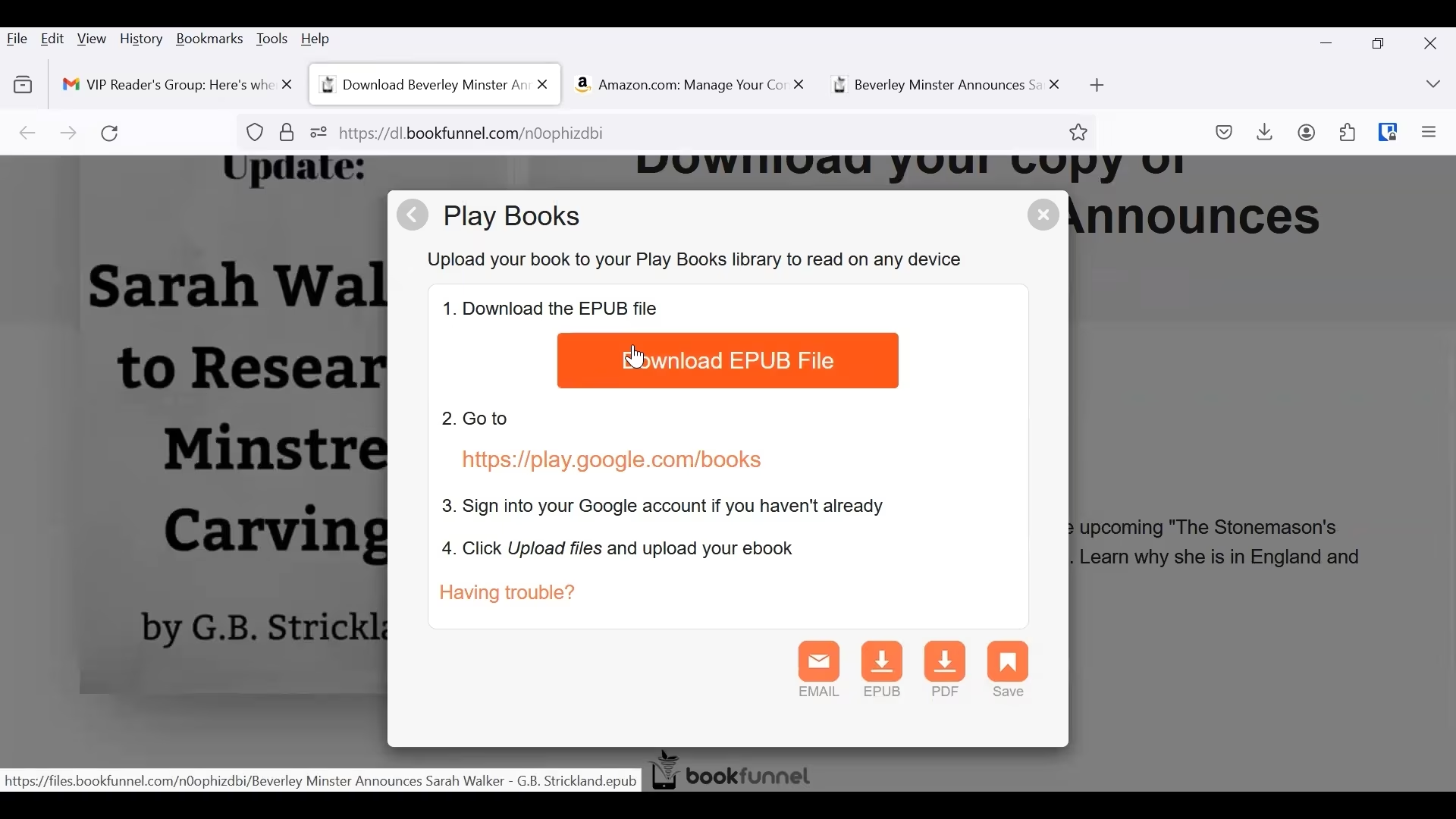
Select Play Books from the window asking you to select your preferred reader.
On the popup window click the Download EPUB File button.
Then follow the instructions to go to Play Books. Sign in to your account, then click Upload files and upload your ebook.
Download from BookFunnel to Nook
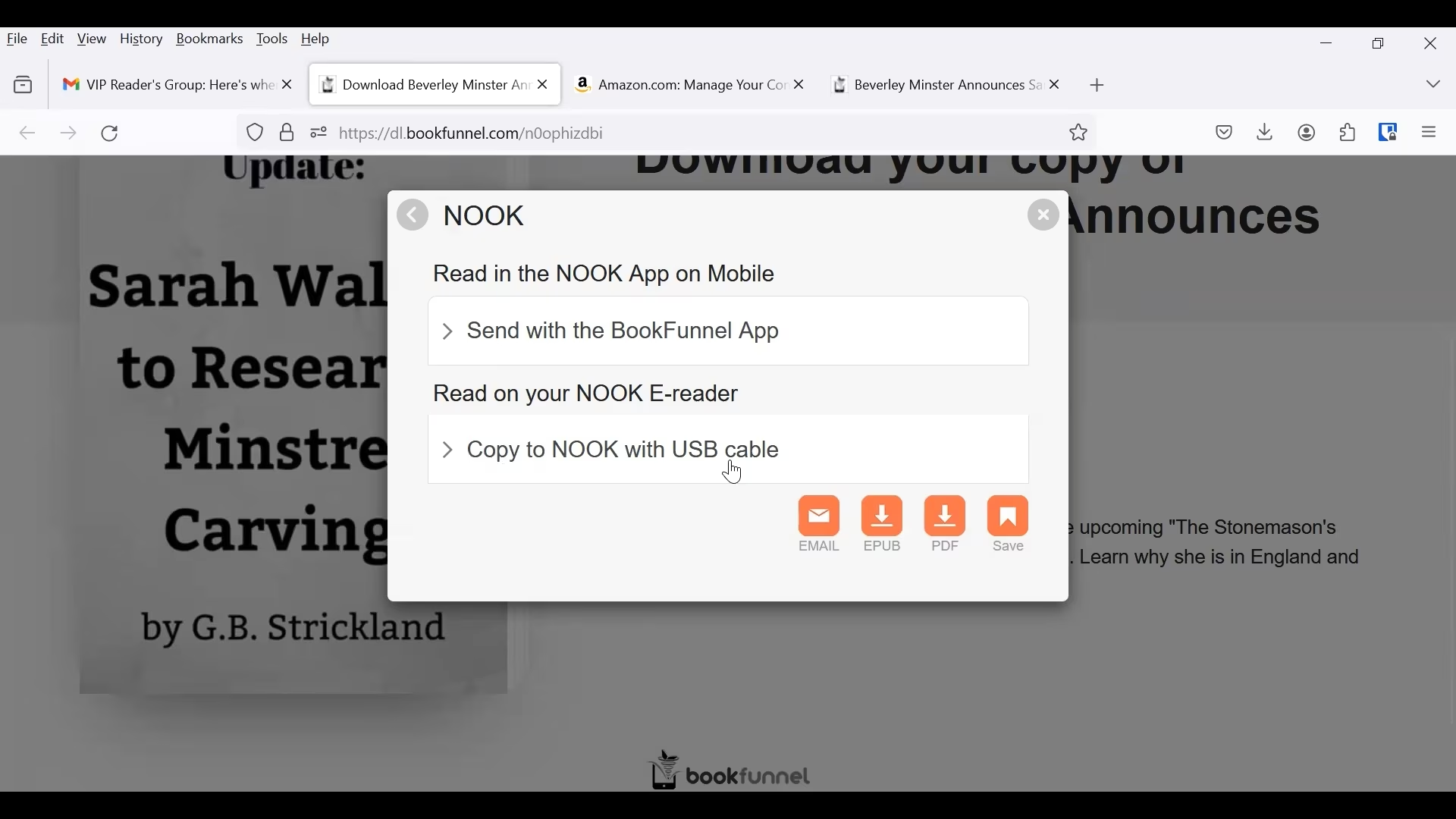
Select Nook from the window asking you to select your preferred reader.
You can:
- Read in the NOOK App on mobile or
- You can copy to NOOK with a USB cable and read on your Nook E-reader.
Select the option that works for you and follow the instructions.
As I mentioned earlier, there are more steps than the “one-click” you may be used to, but they are not hard.
If you have any problems at any step, you can contact BookFunnel support. They were prompt and helpful getting your problems solved and on to reading your book.
As with most things tech related, the steps to get your book from BookFunnel may shift over time. If you notice that anything that has changed, please leave a comment below or send me a message so I can update this post.